
Web Development Meets AI: How AI Integration Is Changing How Websites Are Built
The Web Development Shift You Can Feel But Can't Quite Name
If you've been in web development for more than a few years, you've noticed something changing. It's not just that AI tools can write code now — it's that the very nature of what a website does is shifting. Websites used to be digital brochures with forms. Then they became web applications with databases. Now they're becoming something else: interfaces to AI systems that can understand, reason, and respond.
At Spearhub, we've been building websites and web applications for years. Over the past 18 months, the shift has been unmistakable — clients don't just want a website that displays information. They want a website that does something intelligent. That something might be answering customer questions in natural language, generating personalized content, processing documents, or automating follow-ups.
This is what web development looks like when AI integration becomes a core feature rather than an afterthought. Let me break down what's changing, what it means for how we build, and what to consider if you're planning a web project in 2026.
How AI Integration Is Reshaping Web Development
From Static to Conversational
The most visible change: websites are becoming conversational. Not in the "chatbot that frustrates everyone" sense — the real shift is toward interfaces where users can express what they need in natural language and the system understands them.
Consider the difference:
- Old web development: User navigates a menu, finds a product page, fills out a contact form with predefined fields.
- AI-integrated web development: User types "I need a CRM for a 15-person real estate team that integrates with WhatsApp" and the website returns a personalized recommendation, explains the tradeoffs, and offers to schedule a demo.
This isn't theoretical. We've built versions of this for clients — an AI-powered service recommender on a website that asks visitors about their business and suggests relevant services, with explanations. It converts better than a static service menu because it meets the visitor where they are.
From Forms to Intelligent Intake
Every business website has forms. Contact forms, intake forms, quote request forms. The traditional approach: build a form with 10 fields, hope the user fills them out, manually process the submission.
AI-integrated web development changes this:
- Dynamic forms that adapt based on user responses — if a user says they're a solo founder, don't ask about team size.
- Intelligent parsing — instead of requiring structured input, let users describe their needs in free text and use AI to extract the structured data.
- Instant response — when a form is submitted, an AI agent can immediately acknowledge it, ask follow-up questions if information is missing, and route it to the right person.
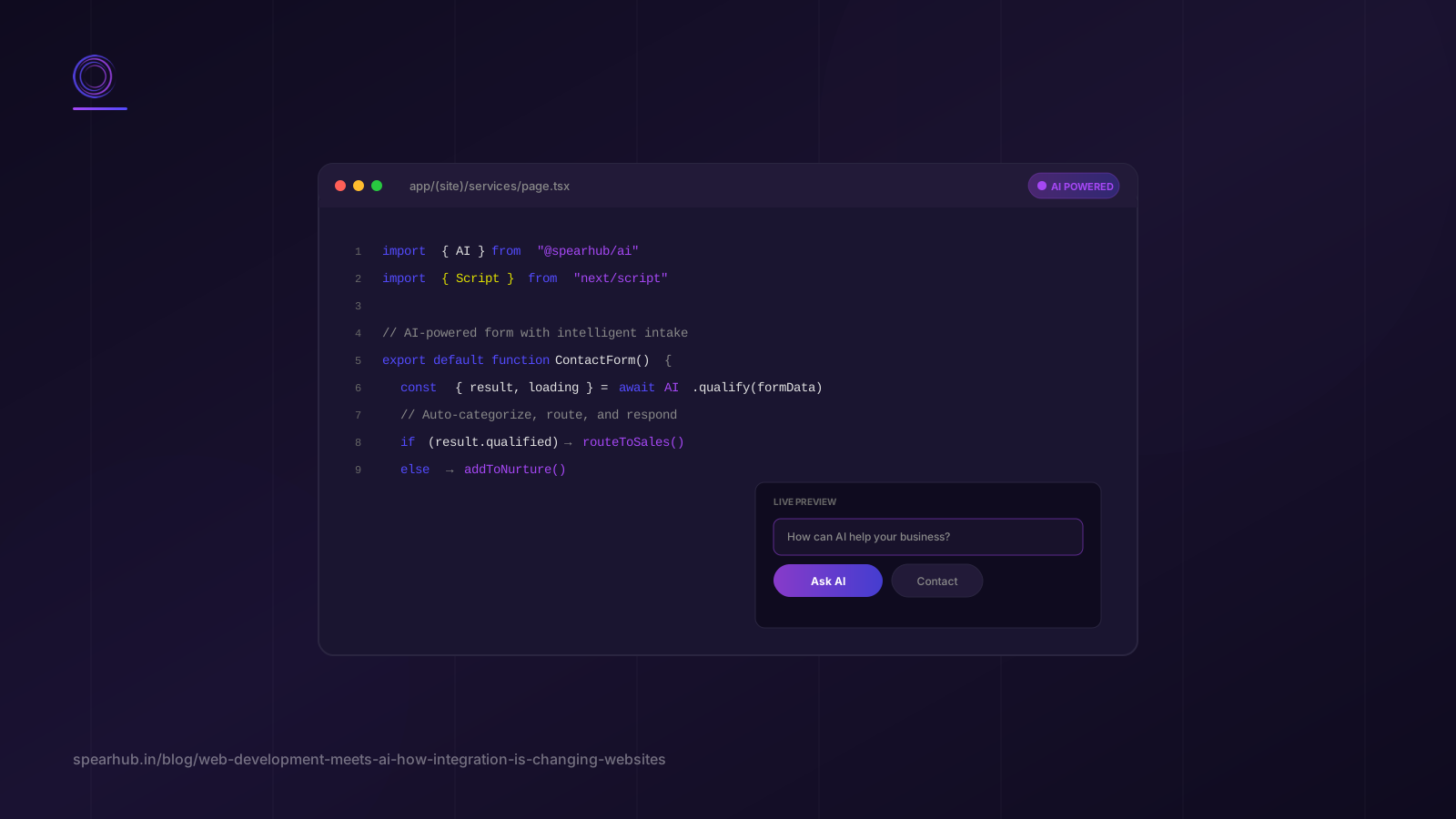
We implemented this on our own spearhub.in business inquiry form. The form captures structured data, but the backend includes an AI step that categorizes the inquiry, drafts a personalized response, and creates a CRM record — all before a human touches it. This is the kind of AI integration that transforms a website from a passive brochure into an active business tool.
From Content Management to Content Intelligence
Traditional CMS-driven websites: you write content, you publish it, it sits there. AI-integrated websites: content is dynamic, personalized, and in some cases, generated on demand.
Examples we're building for clients:
- Knowledge base search — Instead of a static FAQ page, a search interface where users ask questions in natural language and get answers drawn from the company's actual documentation, case studies, and knowledge base.
- Personalized landing pages — Page content that adapts based on the visitor's industry, referral source, or past interactions. Not just "Hi [Name]" personalization — actual content variation.
- Dynamic case study generation — Instead of 10 pre-written case studies, a system that can generate relevant case study narratives based on the visitor's industry and use case, drawing from a structured database of project data.
This doesn't mean AI writes all your content. It means AI helps deliver the right content to the right person at the right time — which is what content strategy has always been about, just now with better tools.
The Technical Stack: What's Actually Changing
The Traditional Web Development Stack
A standard web development stack in 2024 looked like:
- Frontend: React, Vue, or similar
- Backend: Node.js, Python, or similar
- Database: PostgreSQL, MongoDB
- CMS: WordPress, Strapi, Contentful
- Hosting: AWS, Vercel, Netlify
The AI-Integrated Web Development Stack
The 2026 stack adds several layers:
| Layer | What It Does | Examples |
|---|---|---|
| AI Model Layer | The AI models that power intelligence | OpenAI GPT-4, Anthropic Claude, open-source models via Ollama |
| Orchestration Layer | Manages AI calls, context, routing | LangChain, custom orchestration, vector databases for context |
| Integration Layer | Connects AI to web app and external systems | API gateways, webhooks, Zapier/Make for workflow automation |
| Caching & Cost Management | Prevents AI calls from bankrupting you | Redis caching, response streaming, model selection by task complexity |
The critical insight: AI integration isn't just "add an API call." It requires thinking about context management (what information does the AI need to answer well?), cost optimization (AI calls are expensive at scale), failure handling (what happens when the AI is down or gives a bad response?), and security (what data are you sending to the AI model?).
This is why an AI integration company is becoming a distinct specialization within web development. The skills needed to build a great AI-integrated web application are different from the skills needed to build a great traditional web application.
The Build Process Is Changing Too
Web development has always involved: design → frontend → backend → test → deploy. AI-integrated web development adds:
- Use case definition — What specifically should the AI do? "Make the website smart" isn't a use case. "Answer visitor questions about our services based on our documentation" is.
- Context engineering — What information does the AI need? How is it stored, retrieved, and provided to the model? This often involves setting up vector databases and embedding pipelines.
- Prompt engineering — How do you instruct the AI to behave consistently? This is an iterative process, not a one-time setup.
- Evaluation — How do you know the AI is performing well? Traditional web testing checks if features work. AI testing checks if responses are accurate, helpful, and on-brand.
- Monitoring — AI behavior drifts. You need monitoring for response quality, cost, and failure rates — not just uptime.
Practical Examples: What AI-Integrated Websites Look Like
Example 1: The Intelligent Service Recommender
We built a website feature for a professional services firm where visitors answer 3-4 questions about their business, and the system recommends relevant services with explanations. Under the hood: the visitor's answers are sent to an AI model along with structured data about the firm's services, the model returns a personalized recommendation, and the page displays it with clear reasoning.
Result: 23% of visitors who engaged with the recommender requested a consultation, compared to 7% who visited the static services page.
Example 2: Automated Lead Qualification
A B2B SaaS company was getting 200+ demo requests per month, but 60% were unqualified. We built an AI-integrated lead form that asks dynamic follow-up questions based on the visitor's initial input, scores the lead in real-time, and routes qualified leads immediately to sales while sending unqualified leads to a nurture sequence.
Result: Sales team's time spent on unqualified calls dropped by 70%. The AI qualification became more accurate over time as it learned from the outcomes of leads that did convert.
Example 3: Knowledge Base Chat
A healthcare services company had an extensive knowledge base that nobody read. We built a chat interface on their website that answers visitor questions by searching their knowledge base and synthesizing responses — with citations back to the source documents.
Result: Support ticket volume decreased 35% in the first three months. Visitors got instant answers instead of waiting for business hours.
These aren't hypothetical. They're real implementations, built with real web development skills plus AI integration expertise. And they represent where web development is heading.
What This Means If You're Planning a Web Project
If You're a Business Owner
If you're planning a new website or web application in 2026, ask your development team or agency:
- "How will AI be integrated into this website?" — If the answer is "we can add a chatbot," they're thinking about AI as a bolt-on. If the answer involves understanding your content, automating user interactions, and personalizing experiences, they're thinking about it as a core feature.
- "What data will the AI have access to?" — This is both a capability question and a security question.
- "How will we measure if the AI features are working?" — If there's no measurement plan, there's no way to know if the investment is paying off.
If You're a Developer
The skills that matter for AI-integrated web development:
- API integration — You've always done this, but now the APIs are AI models with different requirements (streaming, context, cost management).
- Prompt engineering — It's a real skill. It's not "write a good prompt." It's about building systems that produce consistent, reliable AI behavior.
- Vector databases — Understanding embeddings, similarity search, and how to store and retrieve context for AI models.
- AI evaluation — Learning to test systems where the output is non-deterministic. Traditional unit tests don't work when the "correct" answer is subjective.
If You're Planning the Budget
AI integration adds cost to web development projects — typically 30-60% on top of traditional web development, depending on complexity. But it also changes the ROI calculation. A traditional website is a cost center. An AI-integrated website can be a revenue generator: it qualifies leads, reduces support load, and converts visitors at higher rates.
Budget for:
- Initial AI integration: 30-60% above traditional web dev cost
- Ongoing AI costs: API usage (typically $50-$500/month for a mid-traffic site)
- Maintenance and optimization: AI features need tuning, not just hosting
FAQ
Is AI integration in web development just adding a chatbot?
No. A chatbot is one application, and often the least valuable one. AI integration in web development includes intelligent forms, personalized content, dynamic recommendations, automated lead qualification, knowledge base search, document processing, and workflow automation triggered by website interactions. The chatbot is the most visible but often the least impactful.
Do I need to rebuild my website to add AI features?
Not necessarily. Many AI features can be added to existing websites through API integration — an intelligent form can replace an existing contact form, a knowledge base chat can be added as a widget, and lead qualification can happen in the backend without changing the frontend. Full AI integration is easier in a new build, but incremental addition is possible and often the better starting point.
How much does AI integration add to web development cost?
It depends on the scope. Adding a simple AI-powered form might add $2,000-$5,000 to a project. Building a full intelligent service recommender with context from your knowledge base might add $15,000-$30,000. The key question isn't cost — it's ROI. If a $10,000 AI feature increases lead conversion by 20%, it pays for itself quickly.
Can AI features hurt my website's SEO?
AI-generated content, if published without review, can hurt SEO if Google detects it as low-quality. However, AI features that improve user experience — faster responses, better content matching, more relevant recommendations — can help SEO by increasing engagement and time on site. The key: use AI to enhance, not to generate bulk content. Our AI agent development approach focuses on features that improve user experience, not SEO shortcuts.
What's the difference between AI integration and AI agent development?
AI integration is about adding AI capabilities to existing systems — a website that can answer questions, a form that can parse free text. AI agent development is about building autonomous or semi-autonomous systems that can handle multi-step tasks — an agent that researches a lead, drafts a proposal, and schedules a follow-up. Websites often use AI integration. Business processes often use AI agents. Both are part of the modern app engineering toolkit.
Conclusion
Web development in 2026 isn't just about building pages and connecting databases. It's about building interfaces to AI systems that can understand, respond, and act. The websites that win are the ones that don't just display information but actively help visitors accomplish what they came to do.
The key shifts:
- From static to conversational — websites that understand natural language
- From forms to intelligent intake — dynamic, adaptive data collection
- From content management to content intelligence — the right content for the right person
- From cost center to revenue generator — websites that qualify leads and reduce support load
If you're planning a web project and want to build AI integration in from the start rather than bolting it on later, our app engineering team specializes in AI-integrated web and mobile applications.
Ready to build a website that actually does something? Book a free AI readiness assessment with Spearhub — we'll help you figure out what AI features make sense for your website, what they'll cost, and what ROI to expect.