
Cloud Based Workflow Automation: A Practical Guide for 2026
Why Most Businesses Are Drowning in Manual Work (And Don't Realize It)
If you're reading this, you've probably felt it — that nagging sense that your team spends more time moving data between tools than actually doing the work that matters. A sales rep copies a lead from email into a spreadsheet, then into a CRM, then sends a follow-up manually. An operations manager approves the same purchase request in three different systems. A project lead updates a status report that nobody reads.
We see this pattern constantly at Spearhub. Businesses come to us saying they need "better software" when what they actually need is fewer manual handoffs between the software they already have.
That's where cloud based workflow automation comes in. Not as a buzzword, but as a practical shift: using cloud-connected tools to move data, trigger actions, and route work automatically — without someone babysitting each step.
In this guide, I'll break down what cloud based workflow automation actually means in 2026, how it differs from the old on-premise workflow tools, and how to figure out where to start in your own business. This is based on real client work — not theory.
What Cloud Based Workflow Automation Actually Is
The Core Concept
Cloud based workflow automation is the practice of using cloud-hosted platforms to automate repetitive business processes — data entry, approvals, notifications, document routing, status updates — without writing custom code or maintaining on-premise infrastructure.
The key word is cloud. Unlike legacy workflow tools that lived on a server in your office (and required an IT team to maintain), cloud-based automation platforms are hosted by providers, accessed through a browser, and integrate with other cloud services through APIs.
What Makes It Different from Old-School Automation
| Feature | Legacy Workflow (On-Premise) | Cloud Based Workflow Automation |
|---|---|---|
| Deployment | Installed on local servers | Hosted by provider, accessed via browser |
| Integrations | Limited, requires custom dev | API-first, connects to hundreds of tools |
| Setup | Needs IT involvement | Often no-code or low-code |
| Scaling | Buy more servers | Scale on demand |
| Cost model | Large upfront capex | Monthly subscription, pay for what you use |
| Maintenance | Your IT team | Provider handles it |
The practical difference: with cloud based workflow automation, a department head can build an automated approval workflow in an afternoon without filing an IT ticket. That's the shift that matters.
The Building Blocks
A cloud based workflow automation system typically has four components:
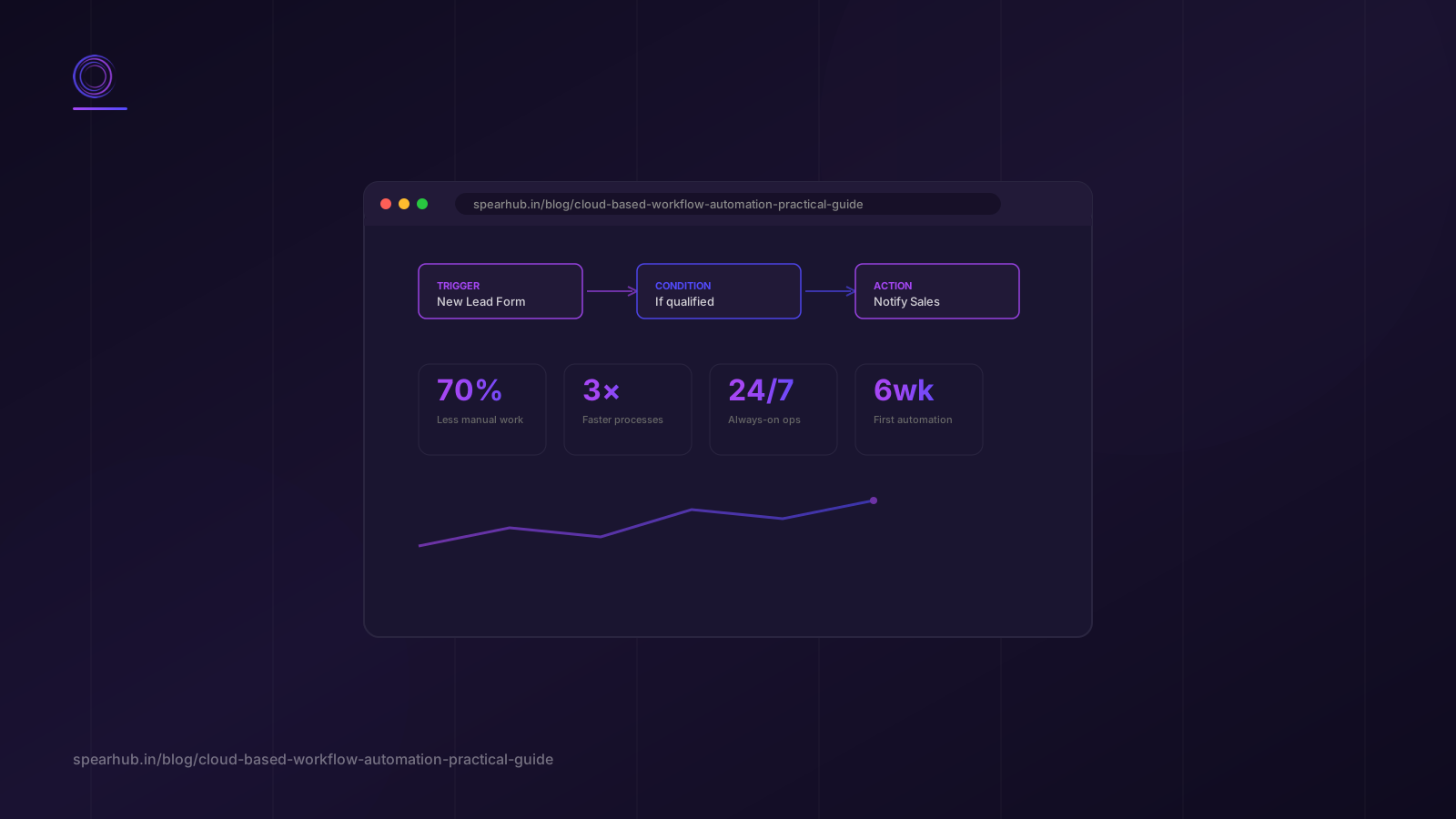
- Triggers — Something happens that starts the workflow. A form is submitted. An email arrives. A row is added to a spreadsheet. A calendar event approaches.
- Conditions — Logic that decides what happens next. "If the amount is over $5,000, route to the VP. Otherwise, auto-approve."
- Actions — What the workflow does. Send an email. Update a CRM record. Create a task in Asana. Generate a document. Call an API.
- Data connectors — The bridges between your tools. Salesforce to Slack. Gmail to Notion. HubSpot to Airtable. These are what make cloud automation powerful — your tools talk to each other.
Where Cloud Based Workflow Automation Delivers the Most Value
1. Lead Capture and Follow-Up
This is the most common starting point, and for good reason. When a lead comes in — from a website form, a Google Maps listing, a referral — the clock starts ticking. Research from Harvard Business Review found that companies responding to leads within an hour are 7x more likely to qualify the lead than those responding after an hour.
With cloud based workflow automation:
- A form submission triggers a CRM record creation
- The lead gets an instant automated email acknowledging their inquiry
- The sales team gets a Slack notification with the lead's details
- If no response in 24 hours, an automated follow-up is sent
- After 3 days with no engagement, the lead is moved to a nurture sequence
We built exactly this for a client transitioning from manual lead tracking. The result: response time dropped from an average of 6 hours to under 2 minutes, and lead-to-meeting conversion improved by 34%.
2. Approval Workflows
Purchase requests, time-off approvals, expense reports, content sign-offs — every business has approval chains that eat time. Cloud automation routes these automatically based on rules you define, sends reminders when someone is sitting on a request, and creates an audit trail without anyone maintaining a spreadsheet.
3. Client Onboarding
New client comes in? Automatically create the project folder, generate the onboarding checklist, send the welcome email with intake forms, schedule the kickoff call, and notify the delivery team. We've implemented this onboarding flow for multiple clients — it saves 3-4 hours per new client and eliminates the "did we forget something?" anxiety.
4. Reporting and Data Sync
Instead of someone manually pulling data from 4 tools every Monday morning to build a status report, cloud automation can aggregate the data on a schedule, generate a report, and distribute it to stakeholders. This is low-glamour but high-impact — it frees up real human hours for actual work.
How to Get Started: A 5-Step Process
Step 1: Map Your Repetitive Workflows
Before you automate anything, you need to know what's worth automating. Walk through your team's week and identify tasks that meet these criteria:
- Repeated regularly (daily or weekly)
- Follow a predictable pattern
- Involve moving data between 2+ tools
- Nobody enjoys doing them
Write them down. You'll probably find 10-15 candidates.
Step 2: Score by Impact vs. Effort
Not every workflow is worth automating. Score each candidate:
- Impact: How many hours per week does this task consume? How error-prone is it? What happens if it's done late or wrong?
- Effort: How complex is the workflow? How many tools are involved? Are there existing integrations, or will you need custom connectors?
Start with high-impact, low-effort workflows. Those are your quick wins.
Step 3: Choose Your Platform
The cloud based workflow automation landscape in 2026 includes:
- Zapier — Best for connecting many tools quickly. 5,000+ integrations. Good for simple to moderate workflows.
- Make (formerly Integromat) — More visual, more powerful for complex multi-step workflows. Better for data transformation.
- n8n — Open-source, self-hosted or cloud. Good if you want more control and lower cost at scale.
- Microsoft Power Automate — Best if you're already in the Microsoft ecosystem (Office 365, Teams, SharePoint).
- Custom solutions — For workflows that need to be deeply integrated into your product or have specific compliance requirements.
At Spearhub, we often start clients on Zapier or Make for quick wins, then move to custom solutions as needs grow. The workflow automation services we provide are built around this progression — start simple, prove value, then scale.
Step 4: Build, Test, and Document
Build the workflow in your chosen platform. Test it with real data (not just the sample data the platform provides). Document what each step does and why — because in 6 months, someone will need to modify it and they won't remember the logic.
A common mistake: automating a broken process. If your manual workflow has steps that don't make sense, automating it just makes the nonsense happen faster. Fix the process first, then automate.
Step 5: Monitor and Iterate
Cloud based workflow automation isn't "set it and forget it" — at least not initially. Monitor for:
- Failures — API changes, rate limits, and data format changes can break workflows. Set up error notifications.
- Bottlenecks — If the workflow creates a manual bottleneck somewhere (e.g., "then a human reviews"), make sure that step isn't becoming a chokepoint.
- New opportunities — Once a workflow is running, you'll often spot adjacent processes that can be automated next.
Cloud Based Workflow Automation vs. No-Code Business Process Automation
These terms get used interchangeably, but there's a useful distinction:
- Cloud based workflow automation focuses on connecting cloud tools and automating data flow between them. Think: "when a lead comes in HubSpot, create a task in Asana and send a Slack message."
- No code business process automation is broader — it includes building internal apps, forms, and databases without code, in addition to workflow automation. Tools like Airtable, Notion, and Glide fall into this category.
In practice, most businesses need both. You automate data flow between tools (cloud workflow automation) AND you build simple internal tools to replace spreadsheets and manual processes (no-code BPA). The two complement each other.
If you're starting from scratch, begin with cloud based workflow automation — it delivers faster ROI because it works with tools you already have. Then layer in no-code tools as you identify processes that need their own structured data stores.
Common Mistakes to Avoid
Automating Before You Understand the Process
We've seen clients ask us to "automate our onboarding" when they can't clearly describe their onboarding process. If you can't draw the current workflow on a whiteboard, you're not ready to automate it.
Over-Automating
Not everything should be automated. Client communication, creative decisions, relationship building — these need human judgment. Automate the data movement, not the relationship.
Ignoring Error Handling
Workflows break. APIs change. Data comes in unexpected formats. If your automation doesn't have error handling and notifications, you'll find out it's broken weeks later when someone notices a report is wrong.
Choosing the Tool Before Understanding the Need
Don't start with "we need Zapier." Start with "we need to automate lead follow-up" and then choose the tool that fits. We've helped clients migrate from overly complex Make workflows to simple Zapier flows — and from limited Zapier flows to custom solutions — because the initial tool choice didn't match the actual need.
FAQ
Is cloud based workflow automation secure?
Cloud automation platforms have matured significantly. Most major platforms (Zapier, Make, Microsoft Power Automate) offer enterprise-grade security including data encryption, SOC 2 compliance, and role-based access control. However, security is also about how you configure the tools — avoid putting sensitive data (like full credit card numbers) through automation workflows, and review what data each integration can access.
How much does cloud based workflow automation cost?
It ranges from free tiers (limited tasks per month) to enterprise plans at $500+/month. For most small to mid-size businesses, a $20-$100/month plan covers their needs. The real question is ROI — if a $50/month plan saves 10 hours of manual work per week, it pays for itself many times over.
Do I need a developer to set up cloud workflow automation?
For simple workflows, no — that's the point of no-code and low-code platforms. A business user with good process understanding can build basic automations. For complex workflows involving data transformation, custom API connections, or integration with proprietary systems, you'll need technical support. That's where workflow automation consulting services like ours come in.
What's the difference between cloud based workflow automation and RPA?
RPA (Robotic Process Automation) typically automates desktop-based tasks by mimicking human actions in software interfaces (clicking buttons, copying text between fields). Cloud based workflow automation works through APIs — tools talking to each other directly. RPA is useful for legacy systems without APIs. Cloud automation is faster, more reliable, and more maintainable when APIs are available, which is increasingly the case.
Can I automate workflows that involve AI?
Yes — and this is where automation gets genuinely exciting. Modern cloud automation platforms can call AI APIs as steps in a workflow. For example: a support ticket comes in, an AI step categorizes it and drafts a response, then it's routed to the right team with the draft attached. This combines the reliability of workflow automation with the intelligence of AI, and it's a core part of what we do at Spearhub.
Conclusion
Cloud based workflow automation is one of the highest-ROI investments a business can make in 2026 — not because it's trendy, but because it directly addresses the most expensive problem most businesses have: skilled people spending time on work that doesn't require their skills.
The key takeaways:
- Start with high-impact, low-effort workflows — don't try to automate everything at once
- Choose your platform based on your needs, not the other way around
- Fix broken processes before automating them
- Monitor and iterate — automation is ongoing, not one-and-done
If you want to explore how cloud based workflow automation could work in your business, we offer workflow automation services that start with a workflow audit and quick-win identification.
Ready to stop drowning in manual work? Book a free AI readiness assessment with Spearhub — we'll map your most automation-worthy workflows and show you exactly where to start.