
Introduction
In today's digital age, having a robust and efficient admin panel is crucial for managing your website. An admin panel allows you to control various aspects of your website, from user management to content updates, all in one place. This blog will guide you through the essential steps to create an admin panel for your website, covering everything from planning and technology selection to development and deployment.
Understanding Admin Panels
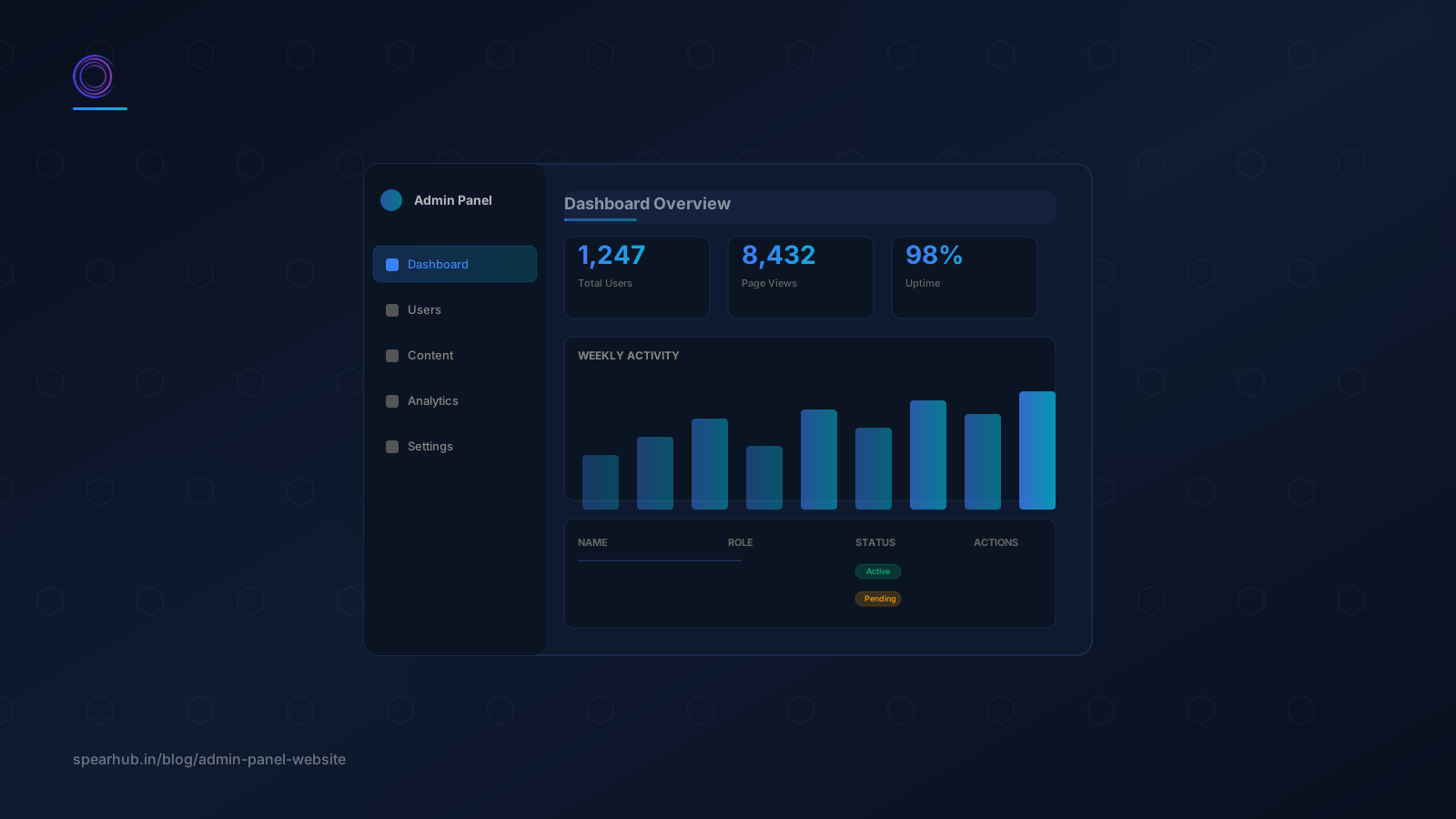
An admin panel, or dashboard, is a backend interface that allows website administrators to manage and control their site's content, users, settings, and more. It serves as the central hub for all administrative tasks.
Common Features and Functionalities of an Admin Panel
- User Management: Add, edit, and delete user accounts, roles, and permissions.
- Content Management: Create, edit, and delete website content such as blog posts, pages, and media.
- Data Visualization: Display important metrics and data through charts, graphs, and reports.
- Settings and Configurations: Manage website settings, configurations, and preferences.
Importance of an Admin Panel for Website Management
An admin panel simplifies website management by providing a user-friendly interface for non-technical users to perform essential tasks. It enhances productivity, improves content management efficiency, and provides insights into website performance through data visualization.
What Are the Different Types of Admin Panels?
Admin panels are crucial tools for managing and controlling the backend operations of websites and applications. These panels provide a user-friendly interface for administrators to handle various tasks efficiently. Here, we explore the different types of admin panels, each catering to specific needs and functionalities.
1. Website Admin Panels
Website admin panels are designed for managing website content and settings. They offer features like:
- Content Management: Update, delete, and organize website content, including text, images, and videos.
- User Management: Manage user accounts, roles, and permissions.
- SEO Tools: Optimize website content for search engines with integrated SEO tools.
- Analytics: Track website performance through analytics and reporting.
2. E-commerce Admin Panels
E-commerce admin panels are tailored for online stores and include functionalities such as:
- Product Management: Add, edit, and organize product listings.
- Order Management: Track and process customer orders.
- Inventory Management: Monitor stock levels and manage inventory.
- Customer Relationship Management (CRM): Handle customer inquiries and feedback.
Sales Analytics: Analyze sales data and trends to make informed business decisions.
3. Content Management System (CMS) Admin Panels
CMS admin panels are used for managing digital content and often include:
- Content Editing: Create and edit web pages using WYSIWYG editors.
- Media Management: Upload and manage images, videos, and other media files.
- Template Management: Customize the look and feel of the website with templates and themes.
- User Roles: Define user roles and permissions to control access to different parts of the CMS.
4. Custom Admin Panels
Custom admin panels are tailored to specific business requirements and can include a variety of features based on the unique needs of the organization. These may encompass:
- Custom Workflows: Streamline specific business processes with customized workflows.
- Integration with Third-Party Tools: Integrate with other software and tools used by the business.
- Advanced Reporting: Generate detailed reports tailored to the organization’s needs.
- Scalability: Designed to scale with the business as it grows.
5. SaaS Admin Panels
Software as a Service (SaaS) admin panels manage cloud-based applications and services. Key features include:
- Subscription Management: Handle customer subscriptions and billing.
- User Onboarding: Manage user registration and onboarding processes.
- Service Monitoring: Monitor the performance and health of the SaaS application.
- Security Settings: Configure security settings to protect user data and application integrity.
6. Mobile App Admin Panels
Mobile app admin panels are designed for managing mobile applications and often include:
- User Analytics: Track user behavior and app usage statistics.
- Push Notifications: Send push notifications to app users.
- App Content Management: Manage in-app content and updates.
- Bug Tracking: Monitor and address app bugs and issues.
Planning Your Admin Panel
Identifying the Needs of Your Website
Before building your admin panel, identify the specific needs of your website. Consider the following questions:
- What administrative tasks need to be performed?
- Who will be using the admin panel, and what are their roles?
- What data needs to be managed and visualized?
Determining Key Functionalities and Features
Based on your website's needs, determine the key functionalities and features your admin panel should have. Common features include user management, content management, data visualization, and settings management.
Sketching a Basic Layout and Flow of the Admin Panel
Create a rough sketch or wireframe of your admin panel's layout and flow. This helps visualize the user interface and ensures a logical structure for navigating different sections of the panel.
Choosing the Right Technology Stack
Overview of Popular Technologies and Frameworks
- Frontend: React, Angular, Vue.js
- Backend: Node.js, Django, Laravel
- Pros and Cons of Different Technology Stacks
- React: Highly flexible, large community, but can have a steep learning curve.
- Angular: Comprehensive framework, strong support for large applications, but heavy and opinionated.
- Vue.js: Easy to learn, great for smaller projects, but smaller community compared to React and Angular.
- Node.js: High performance, good for real-time applications, but callback hell can be an issue.
- Django: Rapid development, high security, but can be monolithic.
- Laravel: Elegant syntax, good for rapid development, but can be overkill for small projects.
How to Select the Best Stack for Your Project
Consider your project's requirements, your team's expertise, and the scalability needs when selecting a technology stack. Optimize for a stack that balances performance, ease of use, and scalability.
Setting Up the Development Environment
Installing Necessary Software and Tools
- Code Editor: VSCode, Sublime Text, Atom
- Version Control System: Git
- Package Managers: npm, yarn
Creating a Project Structure
Organize your project files logically to ensure maintainability. Common structures include separating frontend and backend code, and creating directories for components, services, and utilities.
Initializing the Project with Necessary Dependencies
Initialize your project using package managers and install necessary dependencies for your chosen technology stack.
Designing the User Interface
Best Practices for Admin Panel UI Design
- Keep the design clean and simple.
- Use consistent color schemes and typography.
- Ensure intuitive navigation and layout.
- Using UI Frameworks and Libraries
- Creating Responsive and User-Friendly Layouts
Building the Backend
Setting Up the Server and Database
Choose a reliable server and database solution. Common choices include AWS, Heroku, and MongoDB, MySQL, PostgreSQL.
Implementing Authentication and Authorization
Ensure secure access to your admin panel by implementing authentication (e.g., JWT, OAuth) and authorization mechanisms.
Creating APIs for Data Management
Develop APIs to manage data operations like creating, reading, updating, and deleting records. Ensure these APIs are secure and optimized for performance.
Developing Key Features
User Management
Implement functionality to add, edit, and delete users, manage roles, and set permissions.
Content Management
Create features for managing website content, including adding, editing, and deleting posts, pages, and media.
Data Visualization
Integrate charts, graphs, and reports to visualize key metrics and data insights.
Settings and Configurations
Provide options to manage and configure various settings and preferences of the website.
Testing and Debugging
Writing and Running Tests
Develop and execute unit tests, integration tests, and end-to-end tests to ensure your admin panel functions correctly.
Debugging Common Issues
Use debugging tools and techniques to identify and fix common issues. Pay attention to performance bottlenecks and security vulnerabilities.
Ensuring Security Best Practices
Follow security best practices to protect your admin panel from threats like SQL injection, cross-site scripting (XSS), and cross-site request forgery (CSRF).
Deployment and Maintenance
- Deploying Your Admin Panel to a Server or Cloud Service
- Deploy your admin panel to a reliable server or cloud service, ensuring it's accessible and secure.
- Setting Up Continuous Integration and Continuous Deployment (CI/CD)
- Implement CI/CD pipelines to automate the testing, building, and deployment process.
- Monitoring and Maintaining Your Admin Panel
Conclusion
In this blog, we covered the essential steps to create an admin panel for your website, from planning and technology selection to development and deployment. A well-designed admin panel is vital for efficient website management and can significantly enhance your productivity. Start building your admin panel today and iterate on it to meet your evolving needs.